
Choose the cushion or accessory that you are interested in purchasing.
How to Order
Note: Our website is currently undergoing maintenance. We’ll be back up in February 2026 ready to take orders.
1
2
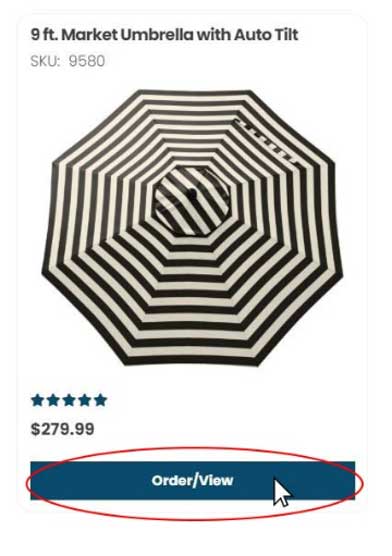
Once chosen, click on the product to open the product page which features all the fabric and finish options for that product.
3
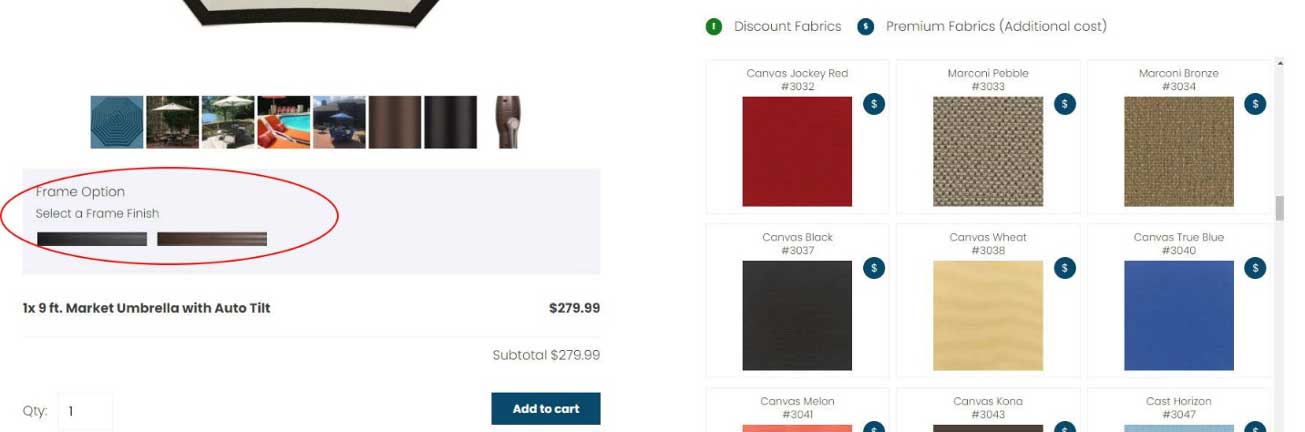
While on the product page, select your fabric choice along with any other options that are available (Example: umbrellas will need a fabric selection and a frame finish before you can check out).
4
Enter the number of the products that you would like to purchase in the Qty box and click on the “Add to Cart Button”.
5
Once you have all your items in the cart, click on the shopping cart icon at the top right corner of the page and continue to check out.
**Checkout is not available at this time.**

Questions?
For more assistance, please email info@cushionconnection.com.